Know before you buy
- Digital code
- US Region
- Self Redeem
Access & fulfilment
Overview of how your order will be handled and delivered.
What will be delivered
-
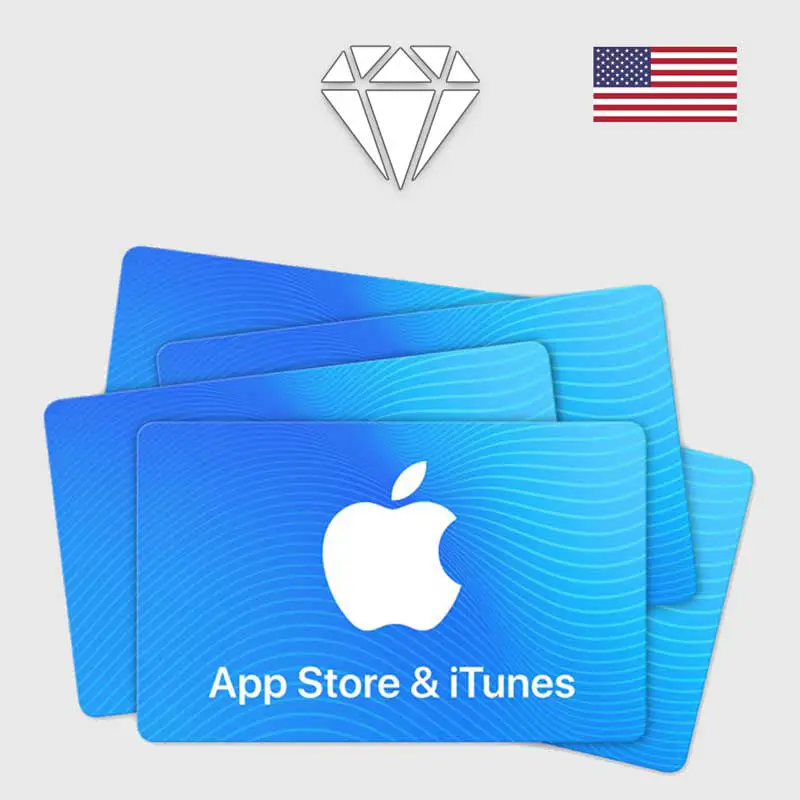
US App Store & iTunes Gift Card Code One digital gift card redemption code matching the selected denomination.
Your Action
Store Action
- Digital gift card code delivered through the configured order/game-card delivery area.
- Digital gift card orders cannot be cancelled after the code has been delivered or revealed.
- The customer is responsible for verifying that the Apple Account region is United States before purchasing and redeeming the code.
Before you place the order 3 notes
-
IMPORTANT: This gift card is for United States Apple Accounts only. Please verify your Apple Account country/region before purchasing.
-
The Apple Account used for redemption must have its country/region set to United States. Please verify this before redeeming the code.
-
This gift card can only be redeemed on an Apple Account with the country/region set to United States.
Product details 1 specs
- Estimated delivery
- After successful payment confirmation
Delivery instructions
Your digital gift card code will be provided through your My Game Card / order delivery area after the order has been successfully processed.
Warranty
If you experience a genuine issue with the delivered code, contact UNISELV Support for investigation.
Return/refund summary
Digital gift card codes cannot be refunded or exchanged after the code has been delivered or revealed due to wrong region or customer error. Please verify your Apple Account region before purchasing. Genuine code issues can be reported to support for investigation.
This version of product can not be activated in Detecting country…
Why are you seeing this? You found a product version which is not allowed to be activated in your country. Try to find this product for a different region if needed.
Checking compatibility for your country…
How to Redeem Your Apple Gift Card
Follow these steps carefully to redeem your key.
-
Check compatibility
Make sure the Apple Account you want to use has its country/region set to United States.
-
Open the Redemption Option
Sign in to the correct Apple Account and open the App Store redemption option for a Gift Card or Code.
-
Enter the Code
Enter the gift card code delivered with your UNISELV order and confirm the redemption. Check your Apple Account balance after successful redemption.
Important: Verify that you are using the correct United States Apple Account before redeeming the code. A code intended for the US region cannot be used on an Apple Account configured for another country or region.
For international customers, we currently accept payments only through manual Binance transfer.
Where to use iTunes Gift Card (US)
iTunes Gift Card is redeemable for apps, games, music, movies, TV shows, and more on the iTunes Store, App Store, iBooks Store, and the Mac App Store. Recipients can access their content on an iPhone, iPad, or iPod, and watch or listen on a computer – Mac or PC.
How to Redeem Gift Card
To redeem on your iPhone, iPad, or iPod touch:
- On your device, open iTunes Store App.
- Scroll to the bottom of the Featured section and tap Redeem.
- Login with your Apple ID.
- Tap “You can also enter your code manually.”
- Enter the 16-digit code, which starts with X, retrievable from My Game Card Page.
- Tap Redeem. After redemption is successful, your iTunes account balance automatically updates.
To redeem on your PC:
- Launch iTunes.
- Click Sign In. Then enter your Apple ID and password.
- Click your name. Choose Redeem from the menu.
- Enter your password again.
- Enter the 16-digit code, which starts with X, retrievable from My Game Card Page.
- Click Redeem. After redemption is successful, your iTunes account balance automatically updates.
Real Opinions from Real Users

Reviews
Clear filtersThere are no reviews yet.