
Can be activated in:
Detecting country…
Can be activated worldwide

PUBG Mobile UC BD
$0.48 $906.52Price range: $0.48 through $906.52

Clash Royale Gems
$1.00 $100.79Price range: $1.00 through $100.79
Know before you buy
- Global Server Top-up
- Direct Player ID Top-up
Delivery:
Usually 5–15 minutes (Max 1–2 hours during server maintenance)

Platform:
PUBG Mobile
Works on:
PC, Mobile
Access & fulfilment:
Player ID → Direct in-game top-up
Activation guide:
3 steps
Before you place the order 3 notes
-
Important: Valid for global PUBG Mobile accounts worldwide (Excludes BGMI India, Game for Peace China, Vietnam, and Taiwan regional apps). Please double-check your Player ID before ordering.
-
Enter your numerical PUBG Mobile Player ID (Character ID). Valid for global versions of PUBG Mobile.
-
Valid for all global PUBG Mobile servers. Incompatible with country-specific versions: BGMI (India), Peacekeeper Elite (China), VN (Vietnam), and TW (Taiwan).
Product details 3 specs
- Estimated delivery
- Usually 5–15 minutes (Max 1–2 hours during server maintenance)
- Status
- Fast Global UC Reload Active
- Warranty
- Direct Top-up Guarantee
Delivery instructions
UC will be credited directly to your PUBG Mobile account. You can stay in-game or restart the game to see the updated UC balance.
Warranty
100% official and authentic PUBG Mobile Unknown Cash (UC) guaranteed to reflect on your account.
Return/refund summary
Direct in-game reloads are irreversible once processed. If top-up fails due to server issues, contact our 24/7 support for instant reload or refund.
Description
About PUBG Mobile UC
PlayerUnknown Battleground Mobile or PUBG Mobile is an original battle royale-style game. You can create your own character and join a free-for-all battle online with a team or go solo on the battlefield. In-game purchases such as crate boxes unlock weapon skins, clothes, parachutes, and many more items!
A gaming industry giant by Tencent Games, PUBG is single-handedly responsible for the massive popularity of the entire Battle Royale genre. In 2018, Tencent Games released the PUBG Corporation game for mobile devices on Android and iOS systems.
Players can download the game completely free of charge. However, to make the most of your gaming experience on PUBG, you should buy the PUBG Mobile UC Top Up code!
PUBG Mobile UC Top-Up
Purchase PUBG Mobile UC and enjoy in-game features such as Lucky Spin and Season Pass! PUBG UCs are credited directly to your account upon purchase.
Why buy PUBGM UC from SEAGM?
PUBG Mobile gamers around the world choose UNISELV to top up PUBG Mobile UC because:
- It’s secure and easy. Just enter your PUBG Mobile Player ID, select the value of the top-up you wish to purchase, complete the payment, and enjoy instant PUBG Mobile UC credit to your account.
- Pay with PayPal, credit cards, online banking, e-wallets, 7-Eleven, and many more with instant payment confirmation.
- Friendly 24×7 Live Chat customer service that provides you with instant support.
How to top-up PUBG Mobile UC?
- Select the Unknown Cash UC denomination.
- Enter your PUBG Mobile Player ID.
- Check out and select your payment method.
- Once payment is made, the PUBG Mobile UC you purchased will be credited to your PUBG Mobile Account shortly.
Important Information:
- Only Player ID is required for PUBG Mobile UC top-up.
- You may stay logged in throughout the transaction, once the top-up is completed, you will receive the UC in your PUBG Mobile account.
- Please enter your Player ID correctly to avoid delay on receiving your UC.
- This service is only for Bangladeshi Server Player ID.
- Players only entitled to purchase PUBG Mobile Royale Pass Pack and Elite Pass Plus once per season. Once Royale Pass Pack has been activated, players can’t upgrade to Elite Pass Plus.
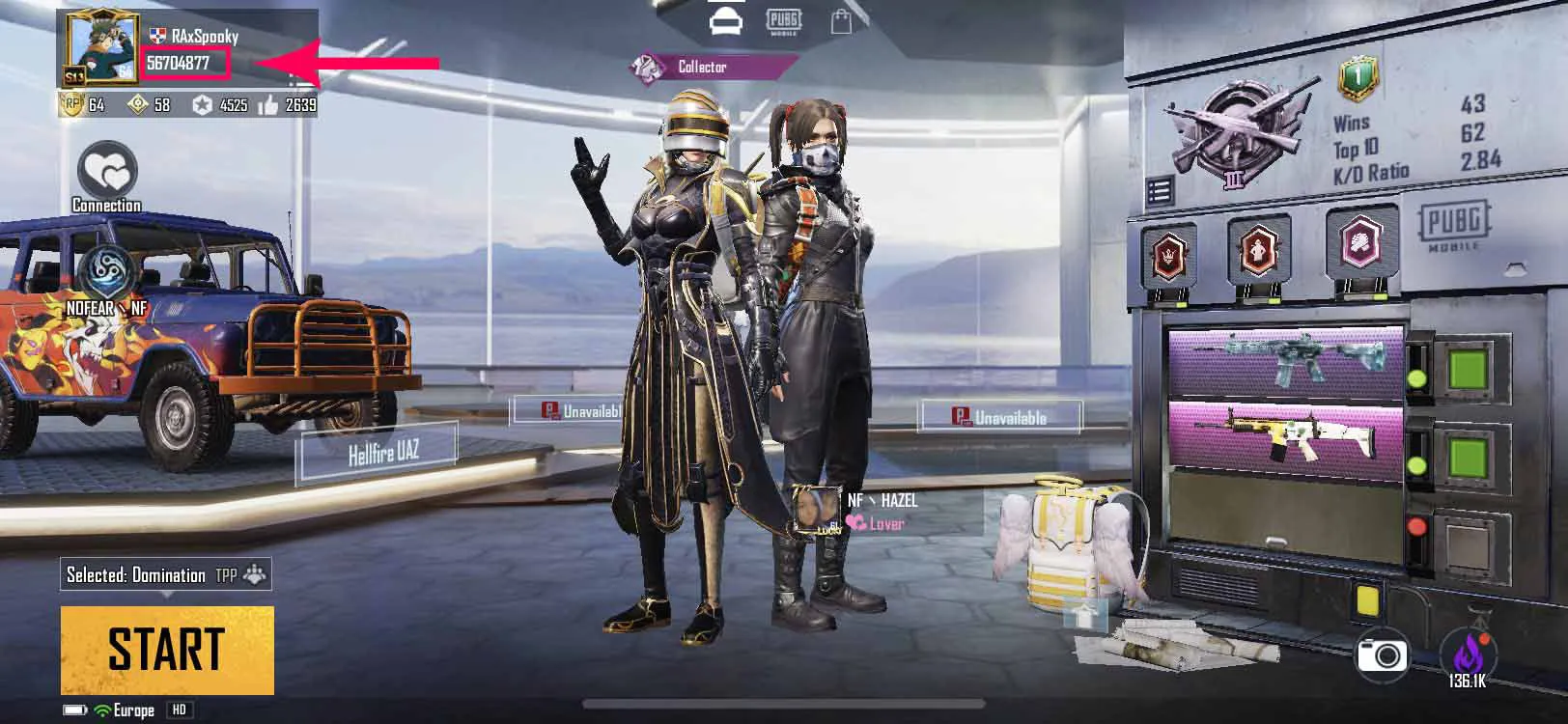
How to find PUBG Mobile Player ID?
- Use your account to log into the game.
- Open your player profile.
- Your PUBG Mobile Player ID will be displayed.
Reviews (0)
Related Products
Clash Royale Gems
$1.00 $100.79Price range: $1.00 through $100.79
Select options
This product has multiple variants. The options may be chosen on the product page
-20%
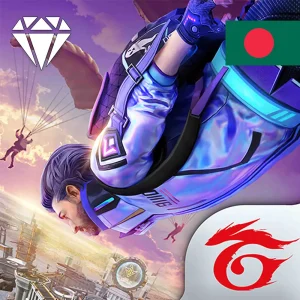
Free Fire Diamond BD
$0.20 $62.50Price range: $0.20 through $62.50
Select options
This product has multiple variants. The options may be chosen on the product page
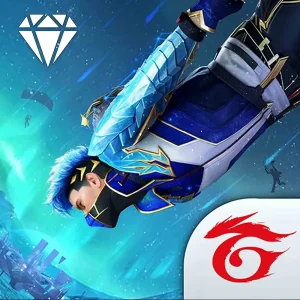
Free Fire Diamond Global
$1.21 $78.01Price range: $1.21 through $78.01
Select options
This product has multiple variants. The options may be chosen on the product page
-16%
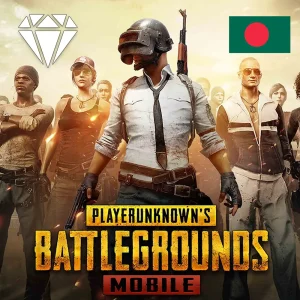
PUBG Mobile UC BD
$0.48 $906.52Price range: $0.48 through $906.52
Select options
This product has multiple variants. The options may be chosen on the product page

Reviews
Clear filtersThere are no reviews yet.